
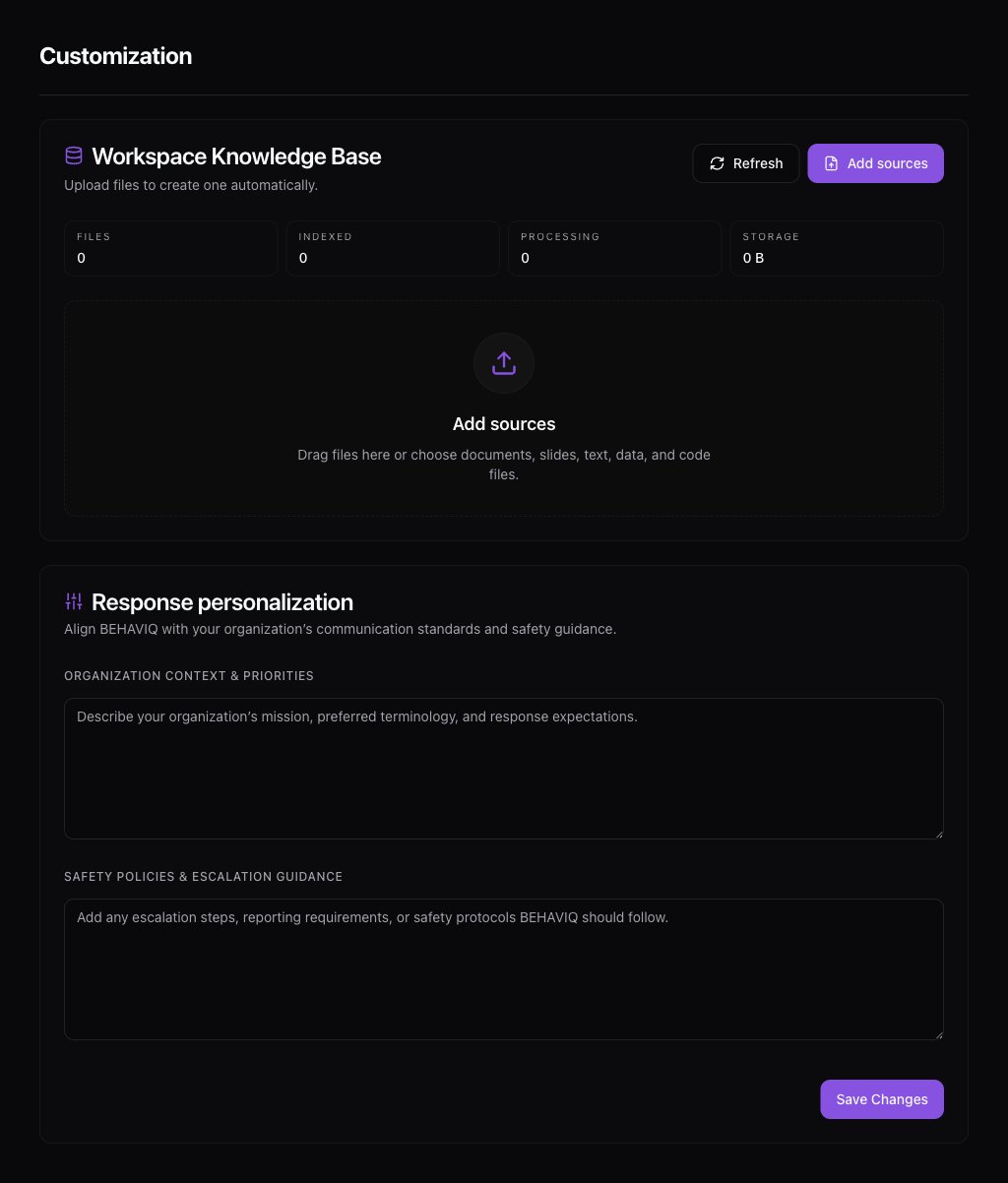
Upload files
OpenSettings -> Customization, then use the knowledge base upload area.
Supported file types include common document, text, slide, spreadsheet, and code formats. PDFs, Word documents, PowerPoint files, plain text, markdown, CSV, and similar files are the main use cases.
Indexing status
After upload, each file moves through processing before it is available in chat. Common states are:- uploaded
- processing
- ready
- failed