
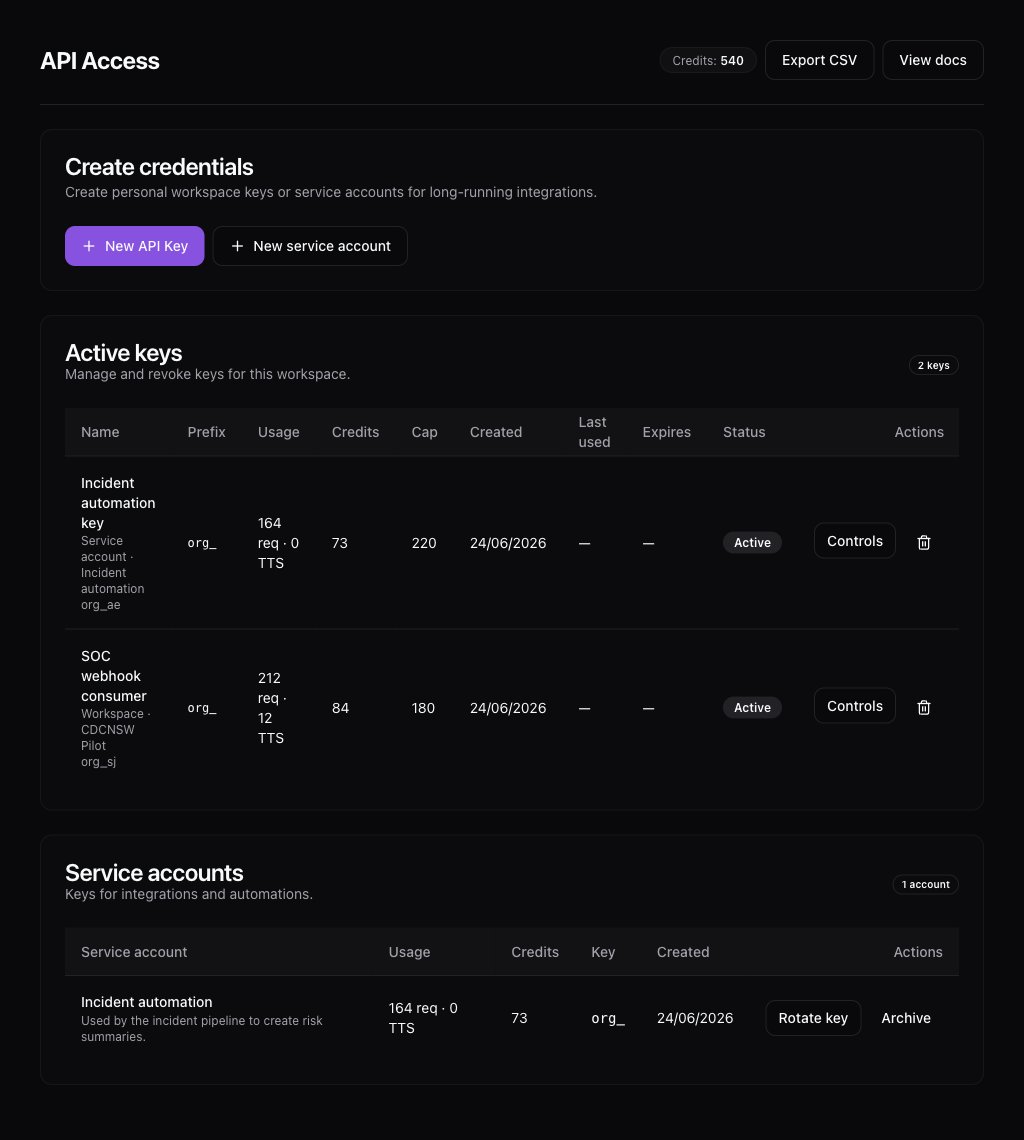
API access lets developers and internal tools call BehavIQ without using the web app. The BehavIQ API access page with API keys and service accounts.

API keys

API keys authenticate requests to the public API. Each key belongs to one workspace. Use an API key when a trusted server needs to call BehavIQ for chat, audio, bot listing, credits, or usage. Keys are shown once when created. Store the secret in a server-side secret manager. Do not put API keys in browser code, mobile apps, public repositories, or support tickets.

Key limits

Admins can set API key caps where the workspace plan supports them. Caps apply to API key traffic only. A cap of 0 means no usage is allowed for that key. Leave the cap blank when you do not want a key-level cap.

Service accounts

A service account represents a non-human integration. It can own API keys and keeps automation separate from a real employee account. Use service accounts for integrations that should keep working when a staff member changes role or leaves. Archive a service account when the integration is retired.

Rotation and revocation

Rotate a key when the secret may have been exposed or when ownership of an integration changes. Revoke old keys instead of leaving them active. Revoked keys stop working immediately.